

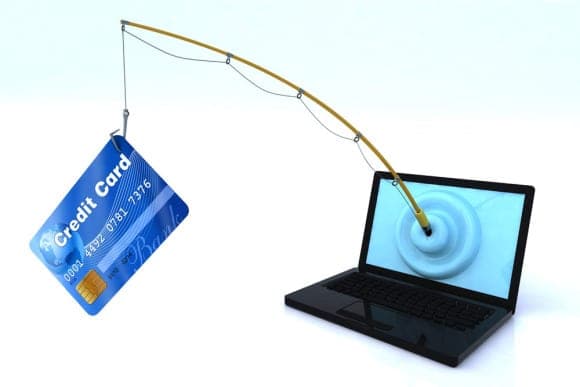
An organization or individual uses “Phishing” if they are illegally attempting to obtain sensitive personal information from you, such as: your user ID, password, bank account numbers, credit card numbers, etc. They will then use the information you provided to access your account for illegal purposes, e.g., committing credit card fraud with the numbers you mistakenly provided to the phishing individual or organization.
How common is Phishing?
Common techniques used by phishing scammers include, but are not limited to:
Sending emails using fake email addresses, logos, graphics, and text similar to a bank's website or email to deceive you and collect sensitive information.
Changing domain names to look like the ones the bank represents, e.g., 1bekonomike.com.
Attempting to access private information through one or more methods, such as hyperlinks to fake websites or direct forms within the email.
For example, you may receive an email claiming to be from Banka Ekonomike asking you to click on a link within the email to change or update your sensitive information and credentials for a specific reason. When you click on the link, you will be directed to a fake website that may look very similar to the Bank's, where you will be asked to provide your sensitive information. Emails like these can look quite sophisticated and may even contain our design and logos. Never trust them. For security reasons, most banks never send emails asking you to enter your personal data.
How can these fraudulent emails look like bank websites?
It is relatively simple to make a website look like a legitimate organization's page by copying the site's appearance from the internet.
How can we prevent phishing?
Do not click any link within a suspicious email. Below are some other important steps you can take to prevent yourself from becoming a victim of phishing:
Never reveal your password; it is private.
Do not give your details to anyone or exchange them via email or telephone. If you receive an email warning that your account will be closed if you do not reconfirm your personal information, do not reply or click the link in the email.
Avoid sending personal and financial information via email. Before entering financial information online, check if HTTPS appears in the address bar; the S suffix stands for "secure." It signals that your information is secure during transmission.
Scammers often suggest making a "test" payment, but be careful because you might be making a real payment.
Source: bekonomike.com