

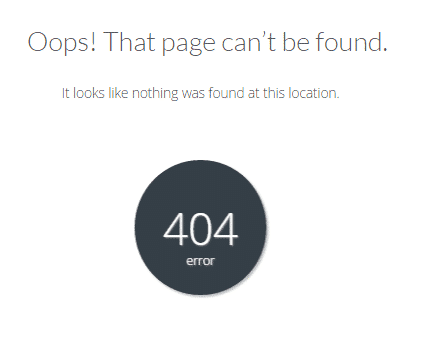
What does Error 404 mean?
Error 404 ("Not Found") appears when the browser requests a page that does not exist on the server. This can happen when:
The URL is mistyped
The page has been deleted or moved
The link you clicked is old or incorrect
The URL structure has changed without a redirect
How does 404 affect SEO?
A few 404 pages are normal — but too many of them can hurt your SEO. Google views it negatively when many pages return a 404, especially if those pages had backlinks or traffic.
How to fix the 404 problem
Create 301 redirects If you have deleted or moved a page, create a 301 redirect (permanent redirect) from the old URL to the new page. This preserves the SEO value.
Design a good 404 page Instead of a blank error page, create a helpful 404 page with: a friendly message, a link to the homepage, a search form, and links to the most visited pages.
Monitor 404 errors Use Google Search Console to detect 404 pages and fix them regularly.
Conclusion
404 pages are inevitable, but you can manage them well. Create redirects for deleted pages and design a helpful 404 page — your customers will thank you.